Templates that always come out the same
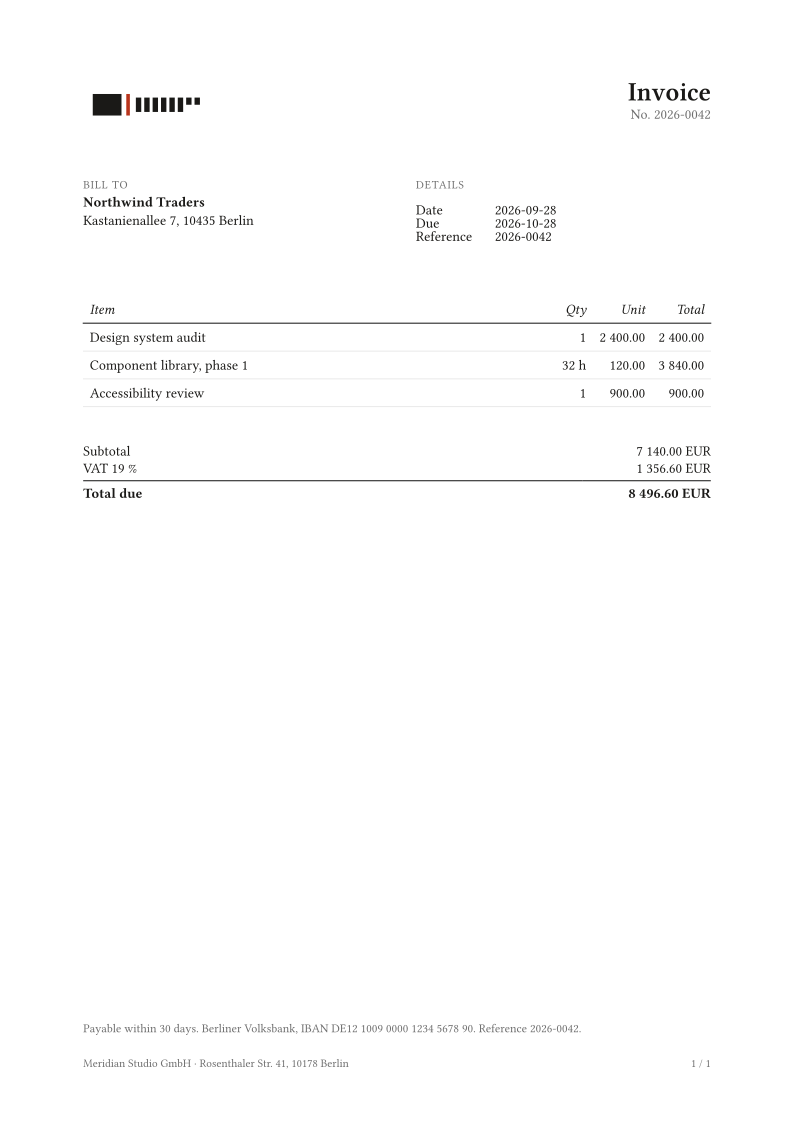
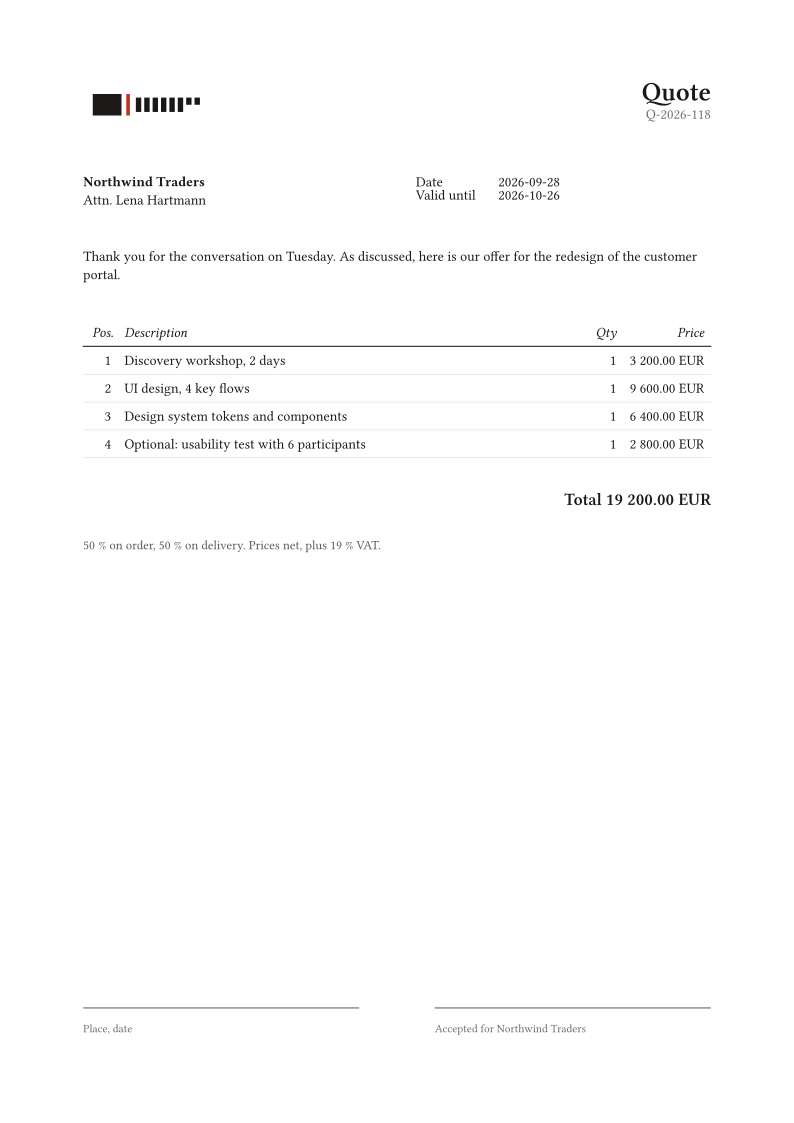
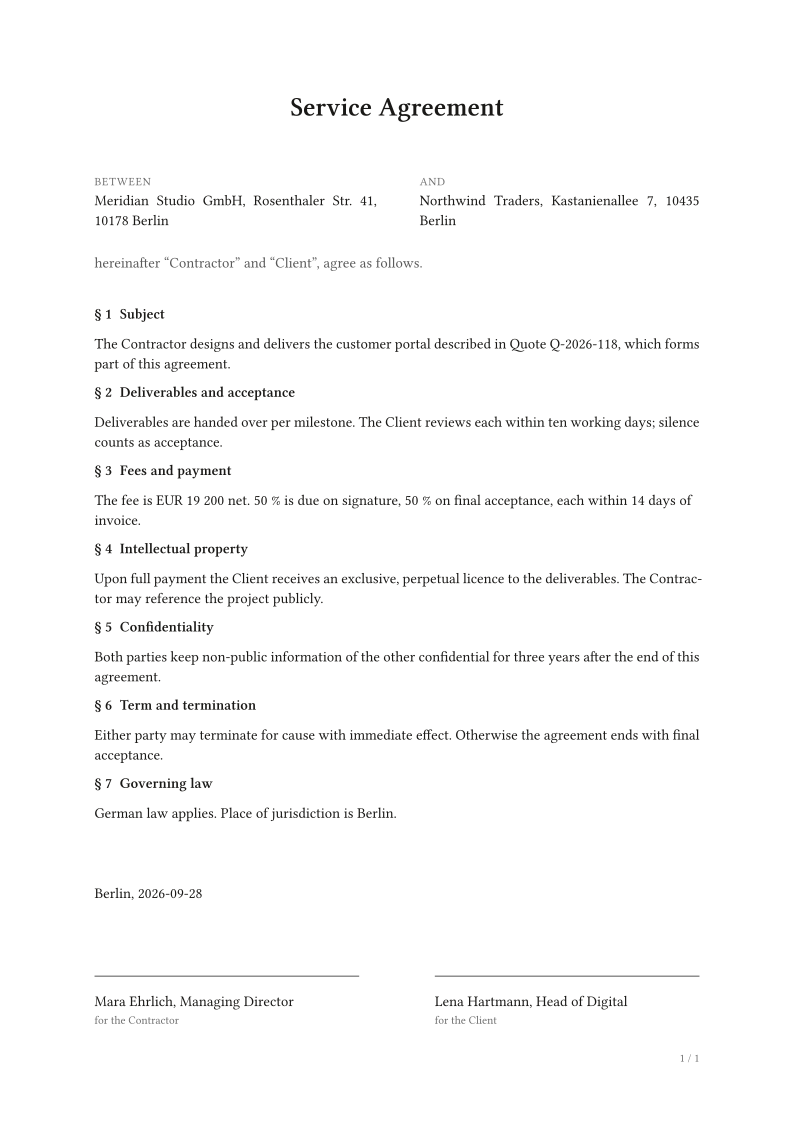
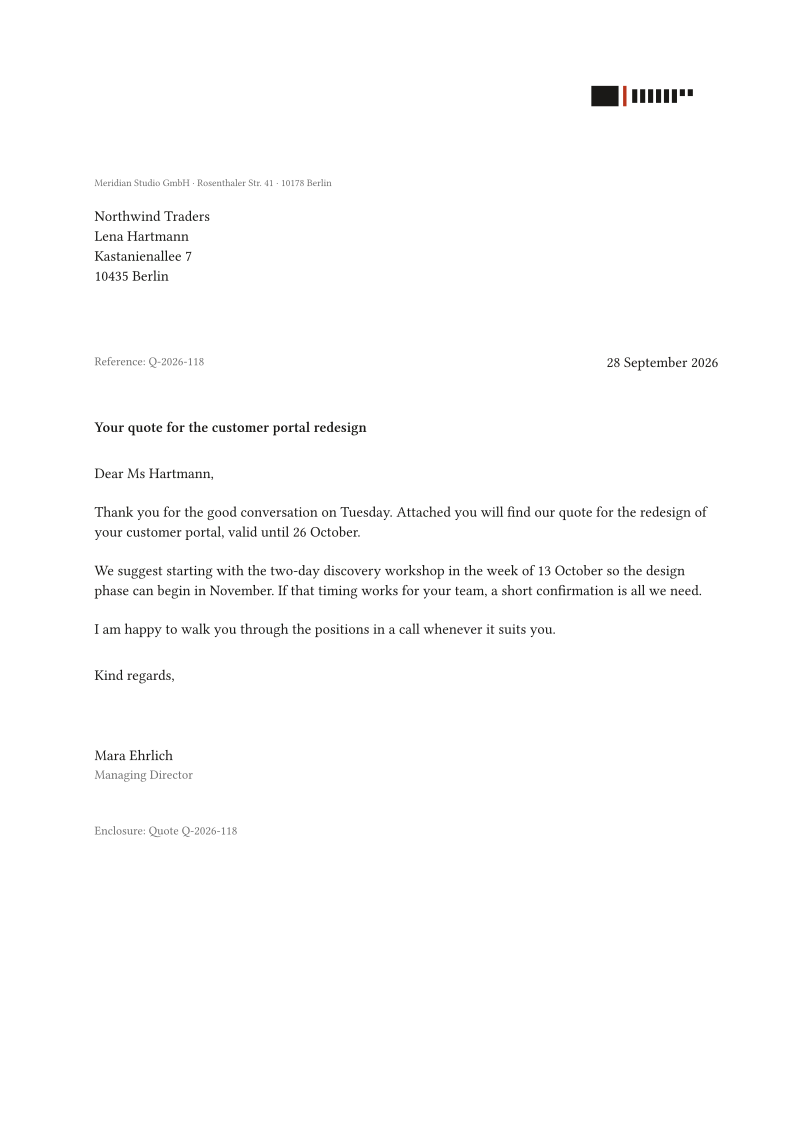
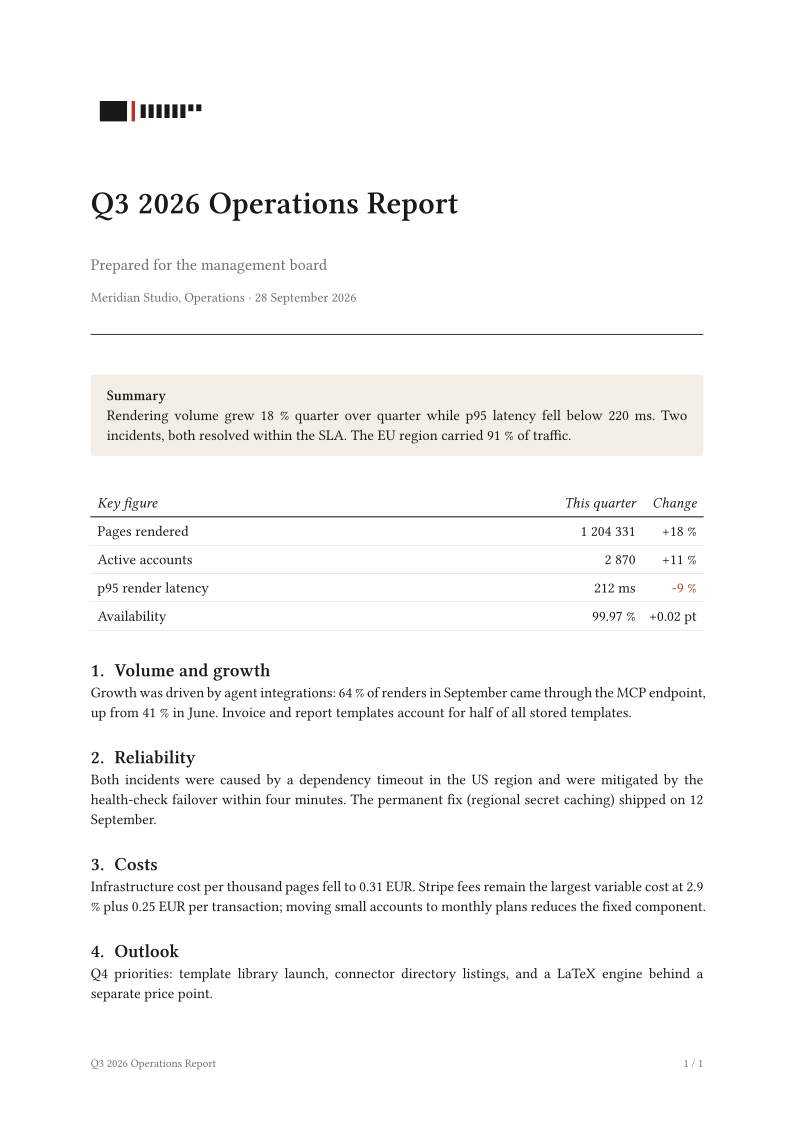
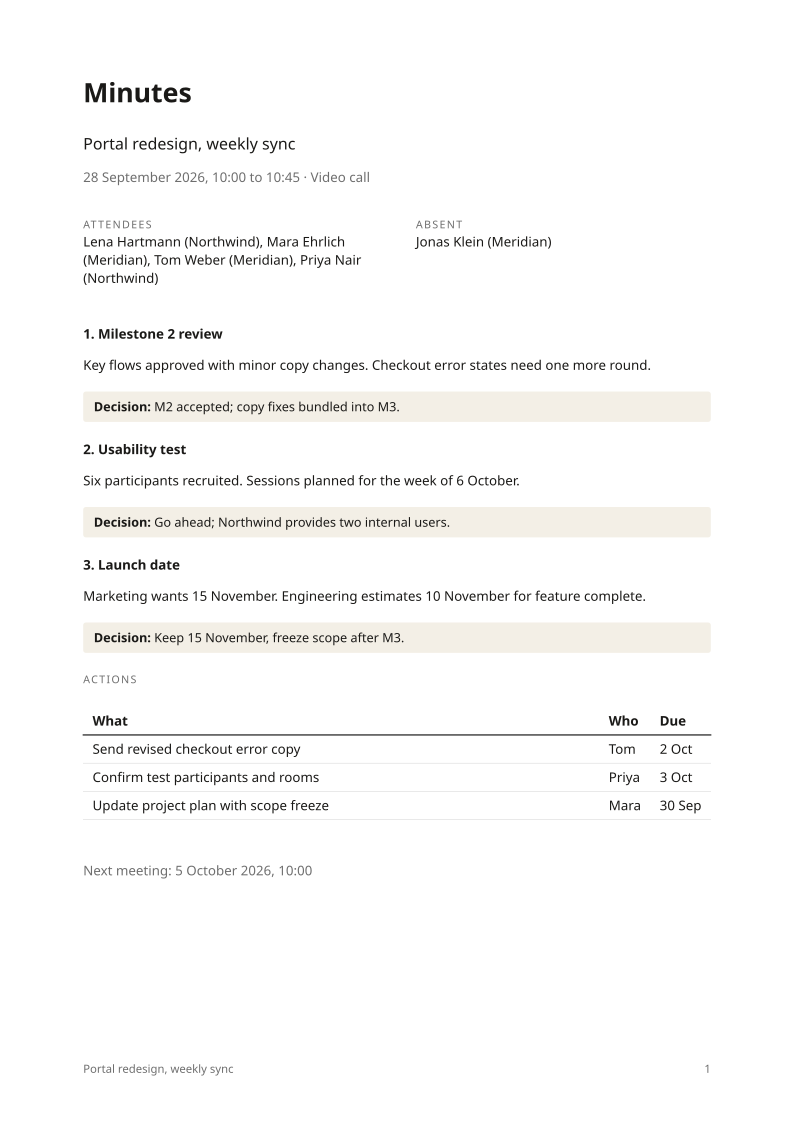
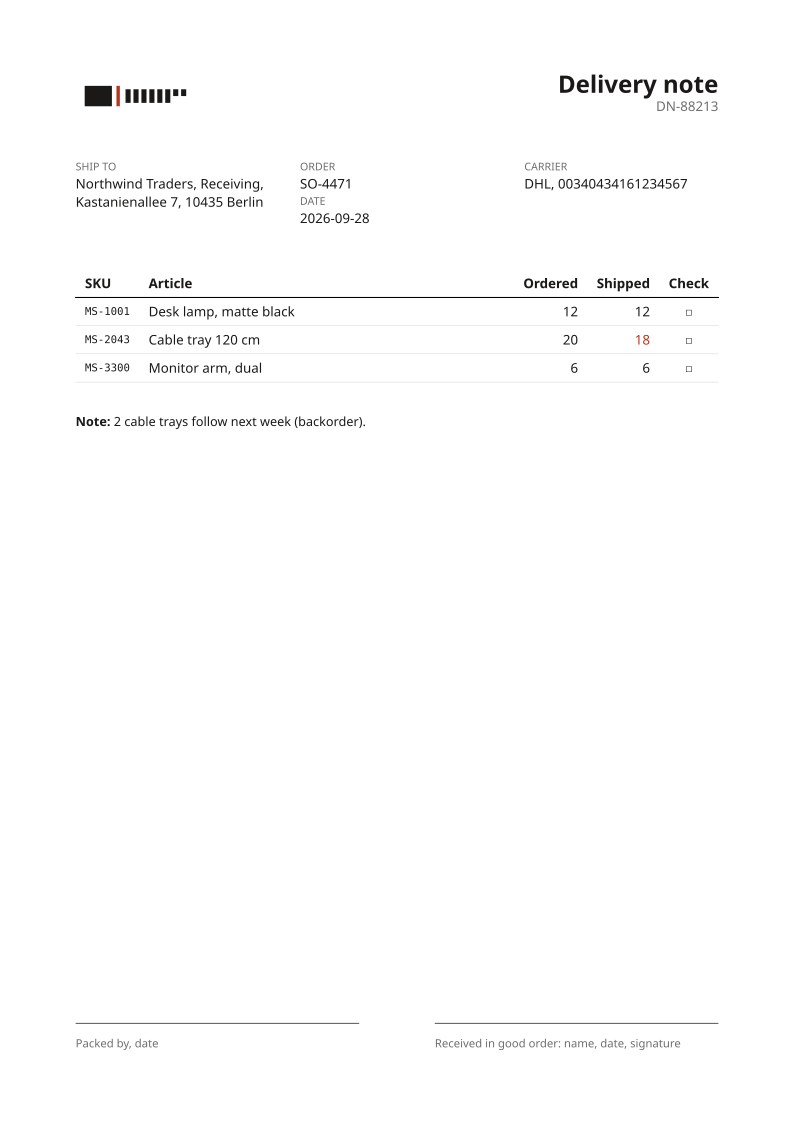
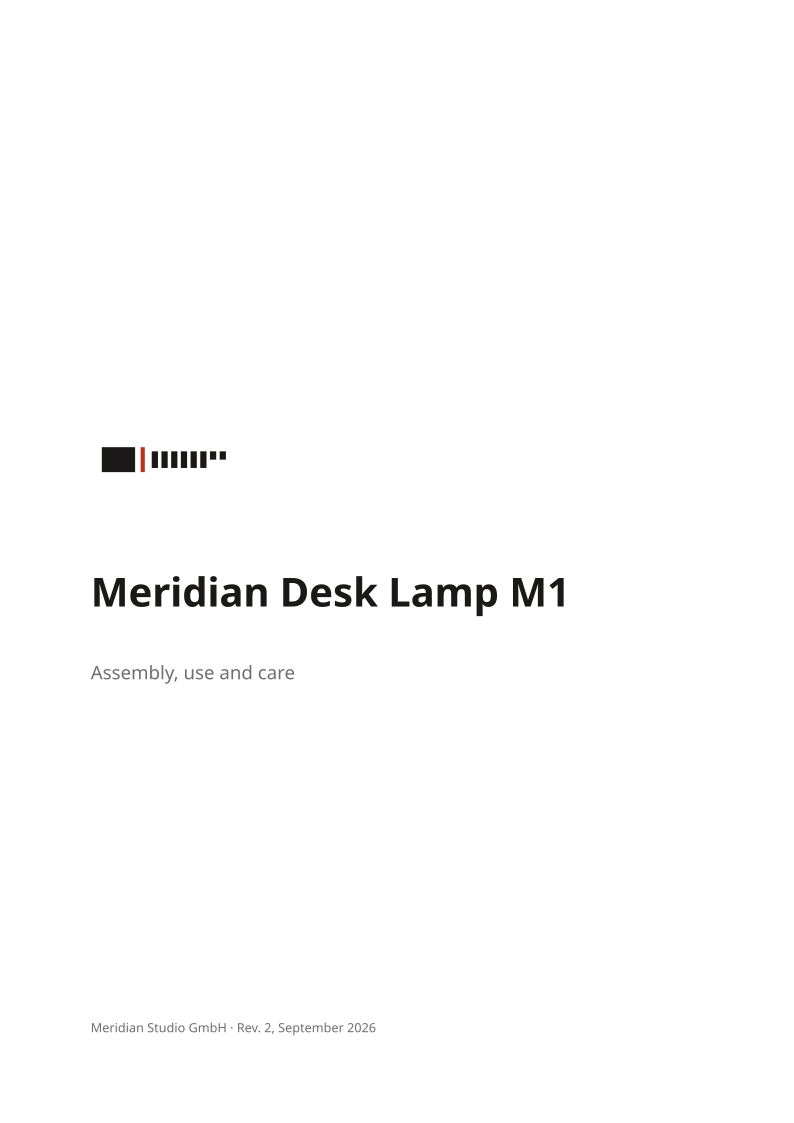
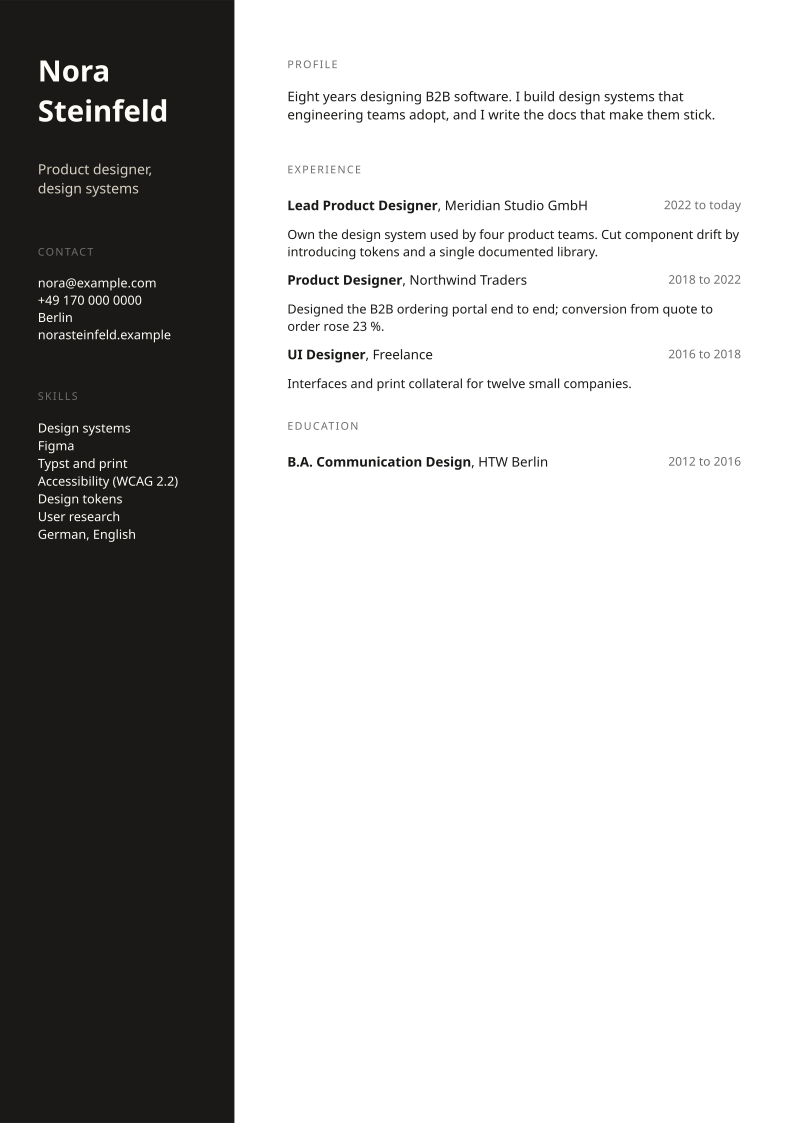
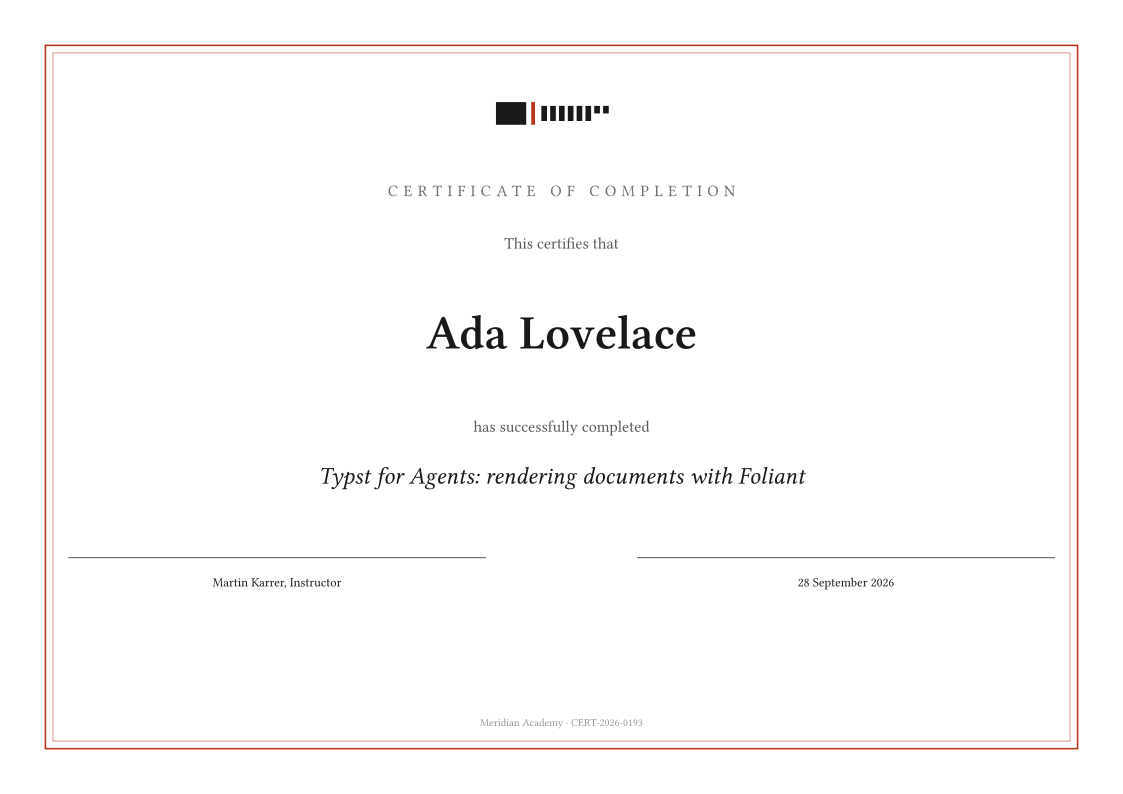
Every card is a real render of the template below it, made by the same engine that serves the API. Copy a template into your account, send your data as inputs, get the PDF. Agents get a fixed layout they cannot drift from; you get documents that look like they came from one hand.
Bundled fonts only (Libertinus Serif, Noto Sans, New Computer Modern, DejaVu Sans Mono), no packages, no external files unless you pass a logo. Each template also compiles with no inputs at all, so partial data never breaks a render.
How to use one
- Open a template and press Copy to my account (sign in first, it is free). It lands under
/templates/<name>.typin your account. - Render it by name:
POST /v1/renderwith{ "template": "invoice.typ", "inputs": { ... } }, or ask your agent through MCP: "render the invoice template for Northwind, total 8 496.60". - Edit the Typst in the dashboard when the layout should change. Every render after that uses the new version.
Lists (line items, clauses, steps) travel as JSON strings inside inputs and are parsed with json(bytes(...)). Pass a logo as an attached file or a stored asset and set inputs.logo to its path. The templates guide explains the patterns.